
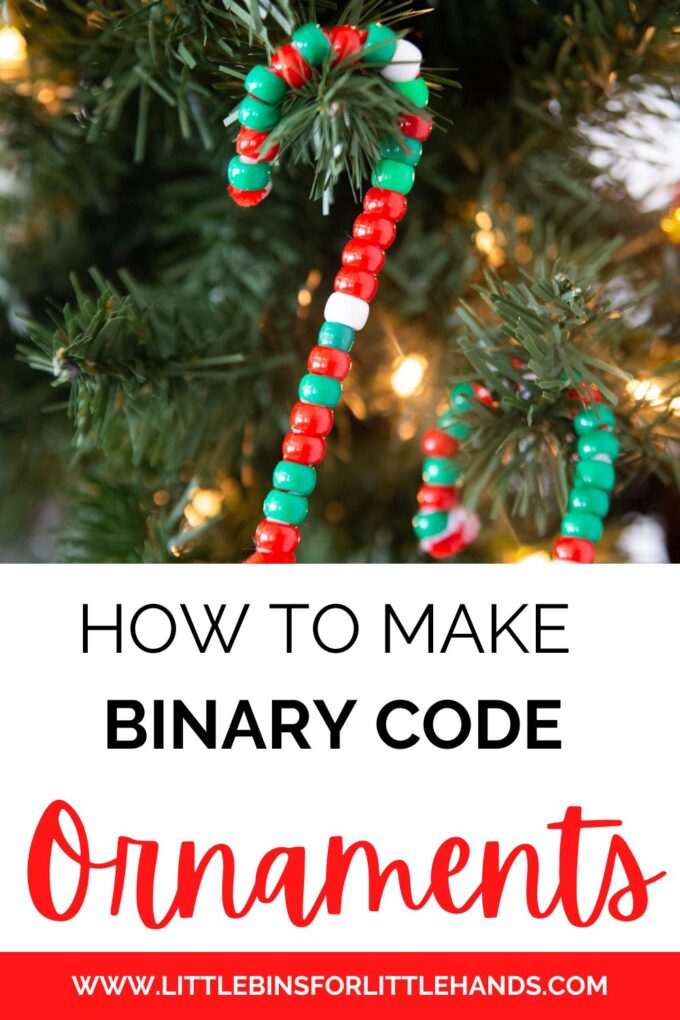
Code without a computer, learn about the binary alphabet and craft a simple ornament all in one great Christmas STEM project. Try Christmas STEM with a Christmas coding activity that you can hang on the tree.
What is Binary Code?
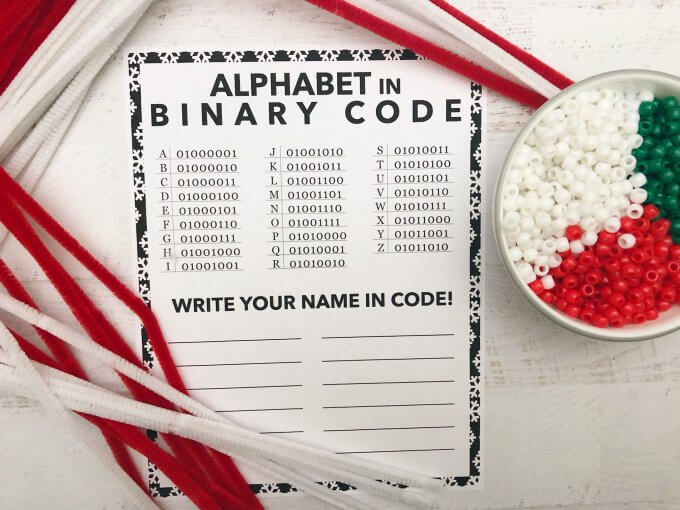
The computer doesn’t read the letter A like we do. It reads it in a series of 1s and 0s. Each letter has its own code of 1s and 0s, called the ASCII Binary Alphabet. This is as far as our lesson went, but take a look at how the codes are made. It’s pretty cool.
💡 Learn more about the binary code for kids.
We now have printable Christmas algorithms set of games for kids you can add to your screen-free coding sessions.
Make a Binary Code Christmas Ornament
💡Enjoy coding activities for kids all year round!
SUPPLIES:
- Pony Beads (a good amount of two different colors and a small amount of an additional color for spacers)
- Pipe Cleaners
- Binary Alphabet Sheet
Instruction to Make a Binary Code Candy Cane
Pick your word, find the first letter, and start writing the code by threading the correct sequence of beads.
We have the red bead designated as 1 for the code and the white bead designated as 0. You also want an additional color bead to separate letters.
Once you have your materials and know what to do, start Christmas coding! We picked holiday-themed words like SANTA, ELF, SNOW, and GIFT. You can also do your name!
Four-letter words just about fill up one pipe cleaner perfectly. You can easily attach two or more pipe cleaners if you have a longer word. REMEMBER: Designate what color is 1 and what color is 0
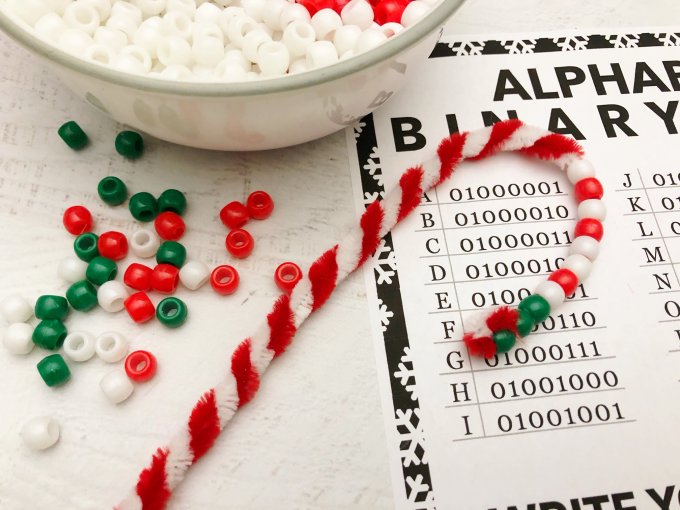
He got this super fast and could quickly go through the word ELF while remembering what he was doing with the beads.
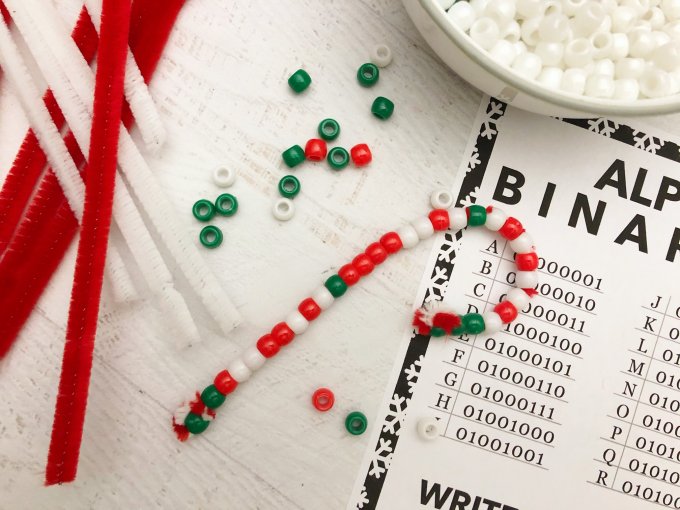
The finished ELF word in binary code is below. Twist the two ends to prevent the beads from falling off. You have a cute STEAM-inspired Christmas ornament that most people probably won’t get immediately. They will wonder if you had trouble making a candy cane pattern! Just smile and ask if they know about the Alphabet Binary Code.
More Christmas Coding Fun
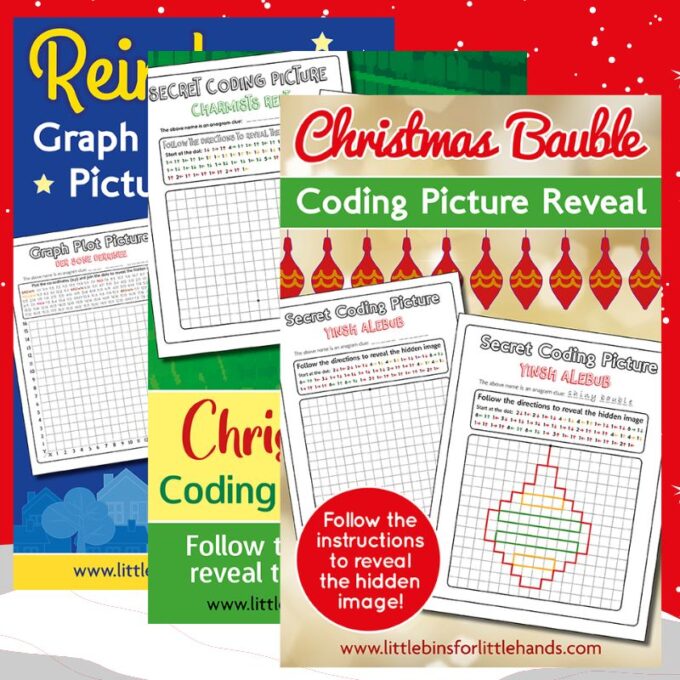
Another fun way to explore screen-free coding activities is with algorithms. Take a look at the two fun options below for algorithm games.

Secret Messages for Kids
Writing in binary code is like writing a secret message; kids love this activity. You can try out more secret messages or code activities below.
Binary ornaments are a great DIY ornament-making activity for kids who aren’t into crafts as much as they are into science and STEM! Again, another easy-to-set-up, versatile, and budget-friendly science activity for kids!
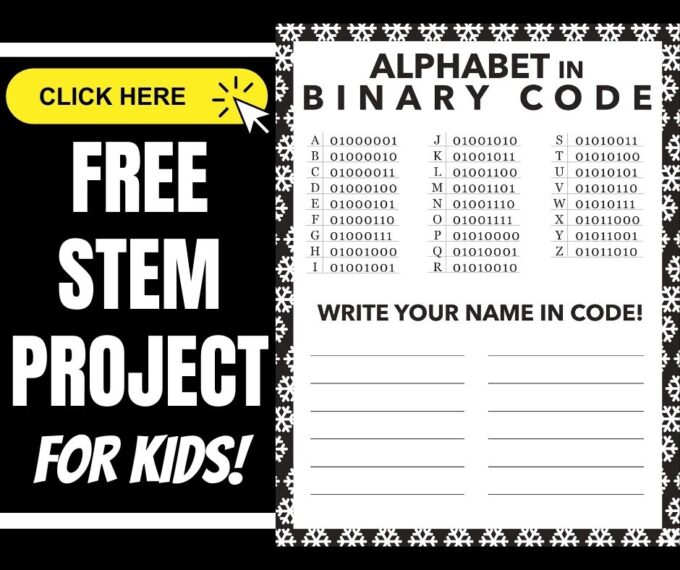
Click on the image below or the link for more fun Christmas ornament crafts for kids.

Printable Christmas STEM Project Pack
200+ PAGES OF HOLIDAY THEME STEAM, STEM, Science, and Art!
- 25+ Christmas theme science and STEM activities with printable sheets, instructions, and useful information all using easy-to-source materials perfect for limited-time needs. Includes a holiday theme engineering pack with fun, problem-based challenges for kids to solve! NEW observation sheets included.
- Try a Santa’s Letter airplane challenge or take the gingerbread house-building challenge!
- Explore the five senses with a specially designed Santa’s Lab pack.
- Try a mini nature study with your favorite type of Christmas tree.
- Try your hand at building shapes with gumdrop structure challenge cards or build shapes with jingle bells. Or try the Christmas-themed paper chain challenge!
- Christmas Screen-free Coding activities include algorithm games, binary code ornaments, and more!
- Explore 6+ Christmas Art Projects with famous artist-inspired activities that combine art history, process art techniques, and more with simple to-do ideas.






You assigned the same binary code to both W and X (1010111). The table should list the 7-bit codes as follows:
W – 1010111
X – 1011000
Oh I will take a look! Thank you.
Love your Christmas coding decorations. Just be aware that the ASCII list you are using is not accurate – there are always 8 bit in a byte. The leading zero does not show when you type it into a computer. The letter A for example is actually 01000001 and so on. Just need to add a leading zero to the binary numbers you have listed
Bytes may be 8 bits, but ASCII is a 7 bit code, so the table is correct.
1960s ASCII table was 7 bits but 1980s revision updated ASCII to 8 bits referred to the ASCII extended table. Probably does not matter for these unplugged activities with kids. The Christmas ornaments are a great idea for helping to teach kids about how computers communicate. Will use your idea with our youngest students.thanks