

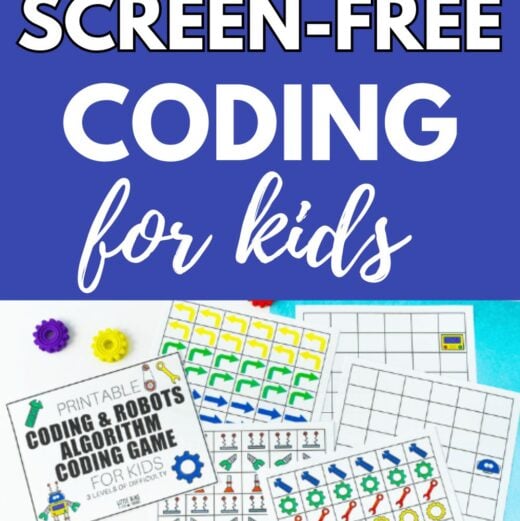
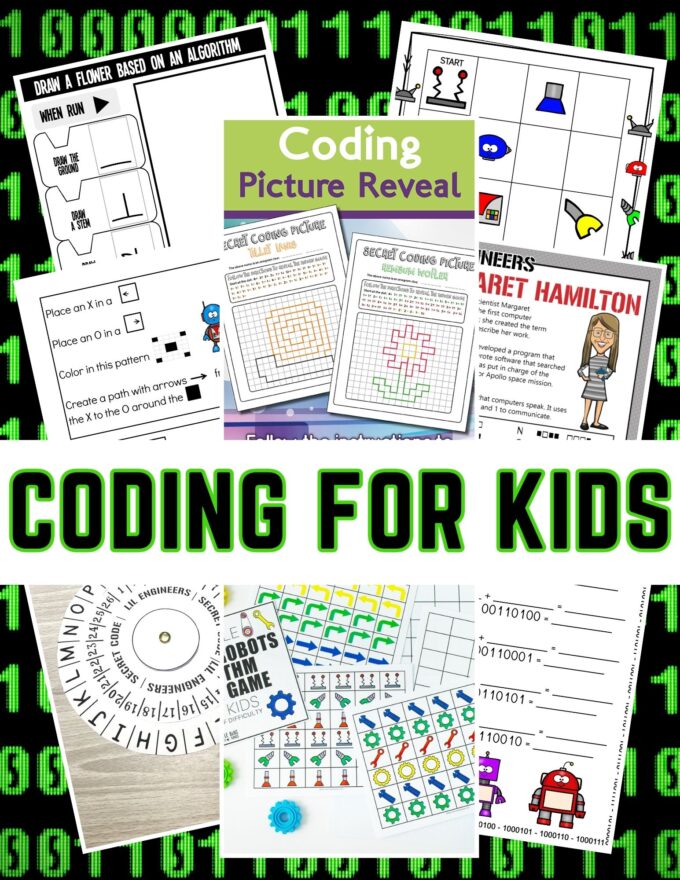
Do your kids want to learn how to code? Our algorithm game and free printable pack are a great way to introduce some basic coding skills. Coding activities are super cool for kids, and with these fun games, kids can start learning about it at a younger age!

What is an Algorithm?
Before jumping into the game, let’s talk about Algorithms and what they are. In the simplest terms, an algorithm is a set of instructions designed to perform a specific task or solve a particular problem.
Think of it as a recipe: just as you follow step-by-step instructions to bake a cake, an algorithm guides a computer or a robot through a series of steps to achieve a desired outcome. Algorithms are the backbone of all computer programs, from the simplest apps to complex artificial intelligence systems.
How to Use Our Printable Robot Algorithm Game
Our game is designed to be intuitive and easy to start. Here’s how you can set up and play:
Download and Print: Download the game below and print the activity sheets. The game includes robot cutouts, command cards, and game boards with different challenge levels.
Cut and Prepare: Cut out the robot pieces and command cards. The command cards will have different instructions, such as move forward, turn left, and turn right.

Set Up the Game Board: Choose a challenge level appropriate for the players. Beginners might start with the simpler boards, while more advanced players can tackle complex mazes and tasks.
Create the Algorithm: Players will create a sequence of commands (an algorithm) to guide their robot through the game board to reach a goal, such as navigating a maze or collecting items in the correct order.
💡Robot parts can be placed as items needing to be picked up so players need to create a path that does so with the least amount of directions.
Execute and Debug: Place the robot at the starting point and execute the commands step by step. Players can debug their algorithm by identifying and correcting mistakes if the robot doesn’t reach the goal.
💡For greater difficulty, ask players to plan their program without using the gameboard. When it’s time to run the program, see how well it is executed. Go back and debug if needed.

Tips for Maximizing the Fun and Learning
Ways to Extend the Activity
To keep the excitement and learning going, here are some ways to extend the activity:
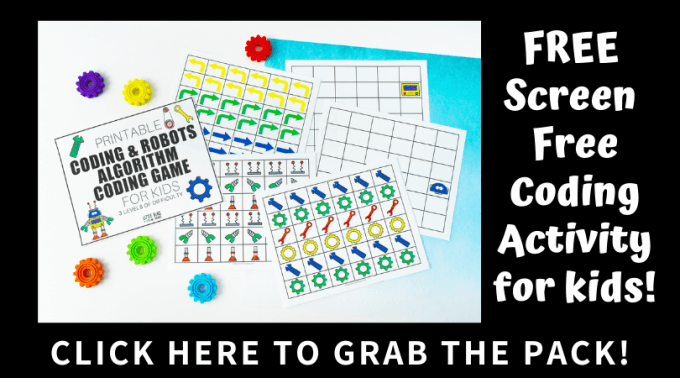
More Fun Coding Activities for Kids
We have a variety of coding activities to try with kids. Find the complete creative coding activities here.
- Algorithm Games for Kids
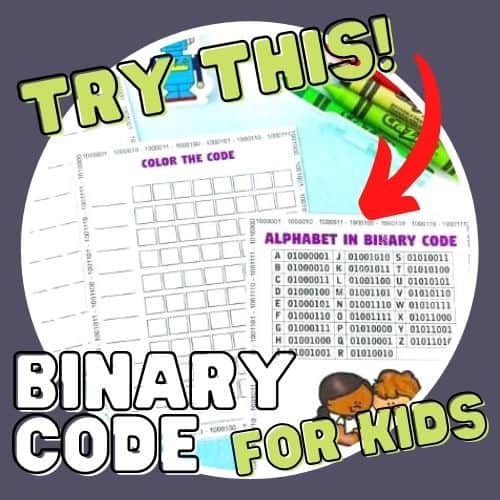
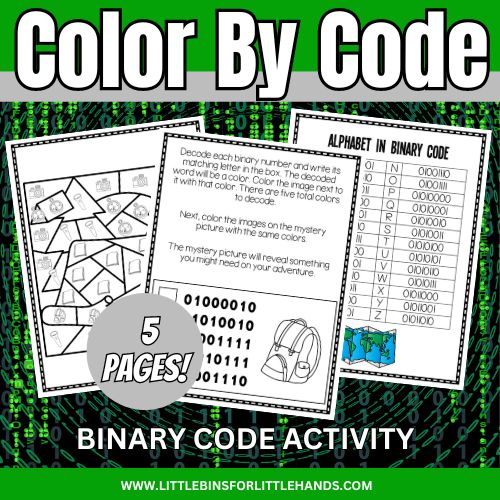
- Color By Binary Code
- Coding Hearts
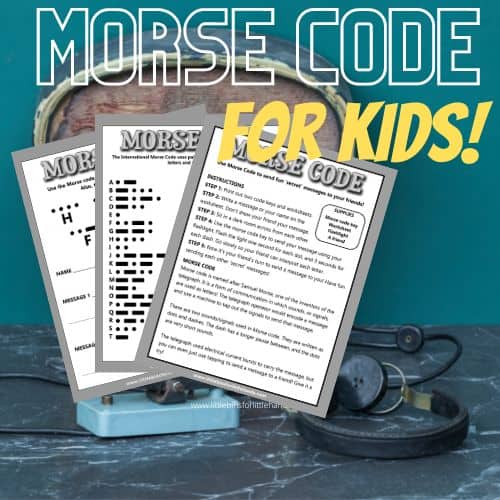
- Morse Code
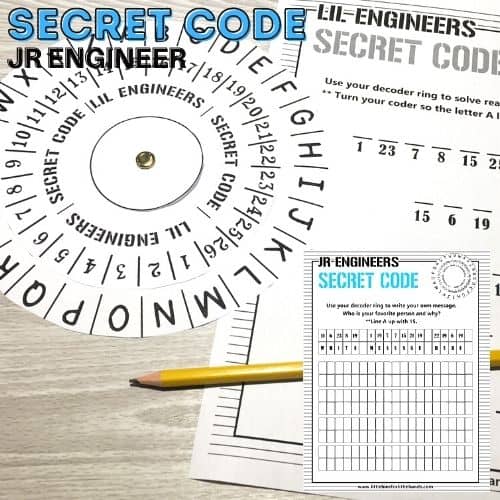
- Secret Decoder
- LEGO Coding
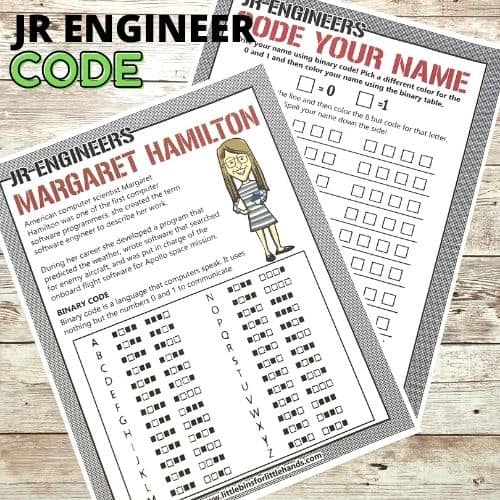
- Margaret Hamilton Coding Project
- Beginner Coding Game
Printable Coding Project Pack (Screen-Free)
Explore coding through easy-to-print, set-up, and do activities that don’t need a screen! This is an excellent and inexpensive way to let kids explore algorithms and binary code!
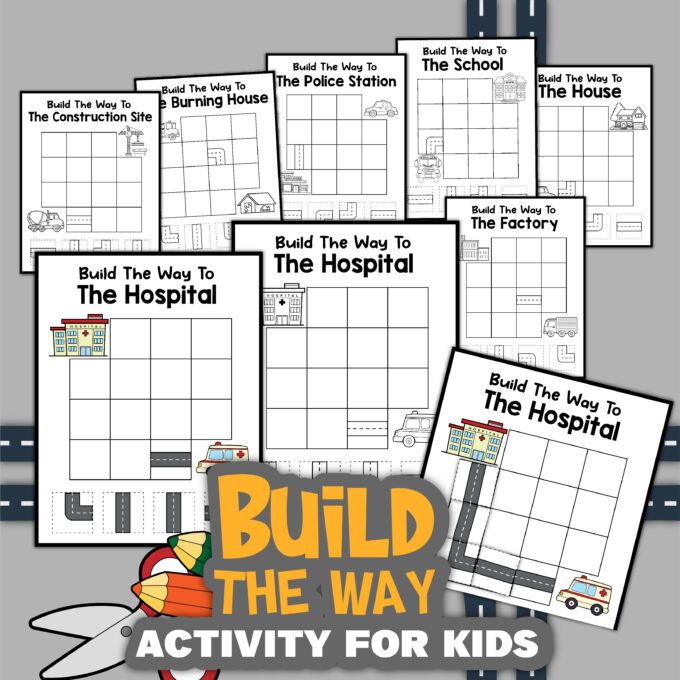
- 15+ screen-free coding activities with instructions and explanations with helpful hints and tips.
- Explore Algorithms with printable DIY games!
- Explore the Binary Alphabet with fun coding challenges.
- Go on a coding adventure with a fun story to read and a challenge to complete.
- Have fun breaking codes with our code-breaker activities!
- Solve fun riddles and addition problems using code.
- Play Robot Bingo.
Also, try Morse code, make a secret code ring, and explore binary code with Margaret Hamilton.





I cannot get the download for your Binary Coding Pack to work. Would you please help? Thanks in advance!
Please email sarah@littlebinsforlittlehands.com