
It’s time to explore binary code! Have you wanted to introduce simple computer-free coding ideas to your kids? Our Valentine’s Day coding activity is perfect! Find out what the binary code for love is with this simple hands-on Valentine STEM activity.
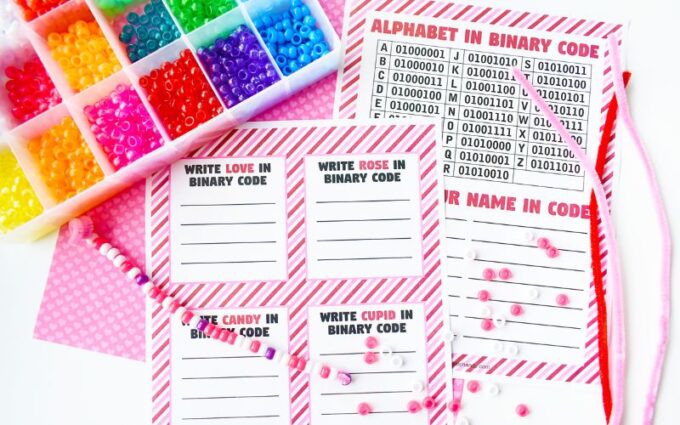
Valentine’s Day Coding
If you are a fan of LEGO, you can also try out code using LEGO pieces! Jewelry beads and twine can also be used to code fun bracelets. Large safety pins and beads can create friendship pins with an initial!
💡Also grab our free Valentine’s Day Secret Code Pictures [Algorithms]
How to Make a Binary Code Bracelet for Kids
A binary code bracelet is a fun and creative way to learn about binary numbers while making a cool accessory! You’ll use beads to represent 0s and 1s, spelling out your initials or a short word in binary code.
Supplies Needed:
- String or elastic cord (about 12 inches long)
- Two colors of beads (one for 0s, one for 1s)
- Scissors
- Tape (optional, to hold the string in place while beading)
- A binary alphabet chart (to look up the binary code for each letter)
Steps to Make Your Bracelet:
Choose a Word or Initials:
- Pick a letter or short word you want to spell in binary code.
- Example: The letter A in binary is 01000001 (use a chart to find yours!).
Assign Bead Colors:
- Choose one color for 0s and another color for 1s.
- Example: White beads for 0s, black beads for 1s.
String the Beads in Binary Order:
- Follow your letter’s binary code and thread the beads onto the string in the correct sequence.
- Example for “A” (01000001): white-black-white-white-white-white-white-black.
Tie the Bracelet:
- Once all your beads are in place, tie a knot at the end of the string to secure them.
- If using an elastic cord, pull it snugly and tie a double knot so it stays secure.
Wear & Share!
- Show off your secret binary code bracelet and see if friends can figure out what it means!
💡 Extra Fun Idea: Make a friendship bracelet with matching binary code messages!
Binary Code Hearts
- Pipe Cleaners
- Pony Beads
- 8 Bit Binary Alphabet (see below)
How to Make a Binary Code Heart
STEP 1. Pick a color to represent the number 1, and pick a color to represent the number 0.
- Optional: Pick a different color bead to separate the letters. These are just spacers and are not needed.
- A good thing to remember is that each letter in the binary alphabet is pretty long. Each letter consists of a pattern containing 8 digits called bits.
- You might consider starting with short words, as all those digits fill up space quickly!
- We fit three and four-letter words on our single pipe cleaner heart. You can attach more pipe cleaners for longer words.
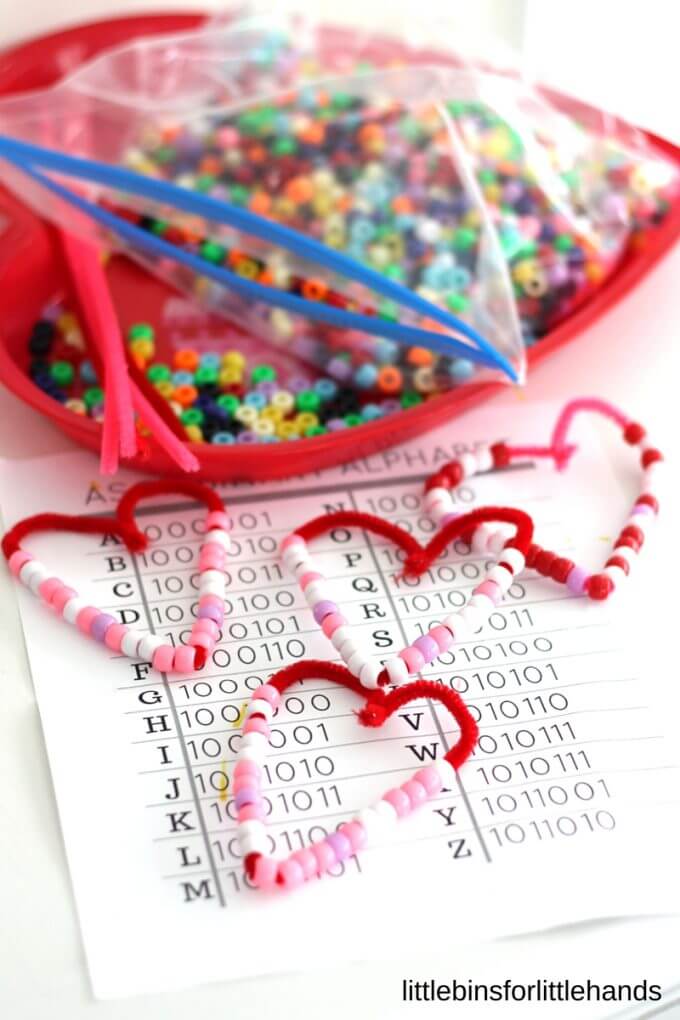
STEP 2. Bend a pipe cleaner in half to form the bottom of the heart.
STEP 3. Pick your first letter and thread the appropriate color beads onto the pipe cleaner. You must maneuver this set of beads past the bend and a few beads of the following letter. Continue threading your letters using the binary alphabet.
Make sure to separate the letters with a bead!
We used these words: MOM, DAD, SON, and LOVE for our Valentine’s coding activity!
Once you have completed your word, bend the ends in towards each other and twist. You can shape your heart as you go. This is the word LOVE below.
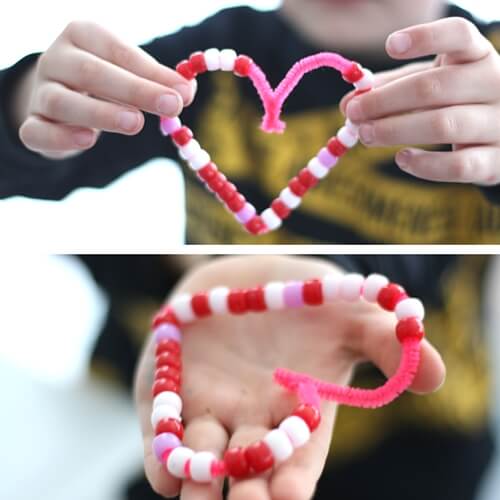
My son is holding the binary word for “LOVE” which he made along with SON for our Valentines Day coding project. I made the words MOM and DAD. I would love to get some ribbon and making a hanging decoration out of all four beaded hearts!
This is an excellent, playful way to learn about the Binary Alphabet and a great introduction to computer coding!
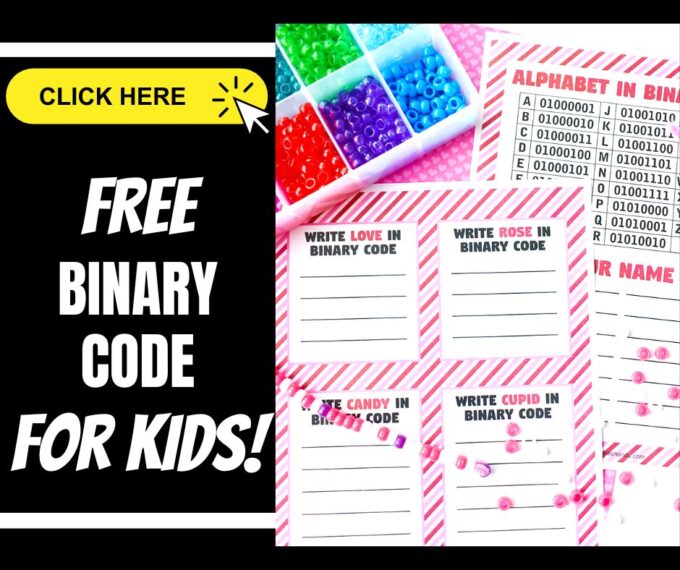
What is Binary Code for Kids?
Did you know that computers have their own secret language? It’s called binary code! Binary is a special way of representing information using only two numbers: 0 and 1.
Think of it like a puzzle or a secret code that only computers understand. Instead of using letters and words like we do, computers use patterns of 0s and 1s to store and process everything—from letters and numbers to pictures, sounds, and even video games!
Each 0 or 1 in binary code is called a bit. Just like how we put letters together to make words, computers put bits together to create instructions and information.
💡 Fun Fact: When you type the letter “A” on a keyboard, the computer turns it into 01000001 in binary!
Binary code is the foundation of all technology, making it possible for computers, phones, and even robots to work. How cool is that?
More Fun Valentine’s Day Science Experiments
You can find all our Valentine’s Day science experiments here, including…
- Valentine Magic Milk
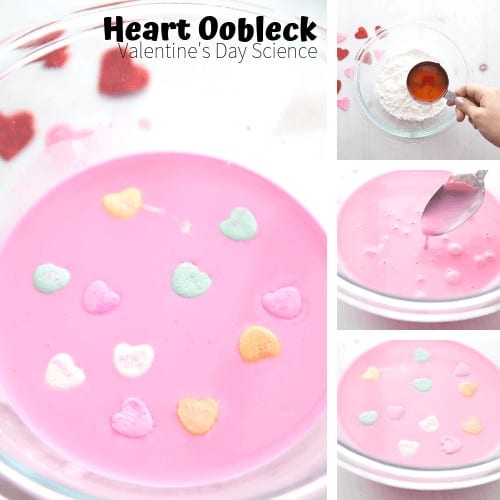
- Candy Heart Oobleck
- Heart Lava Lamp
- Valentines Skittles Experiment
- Dissolving Candy Heart Science
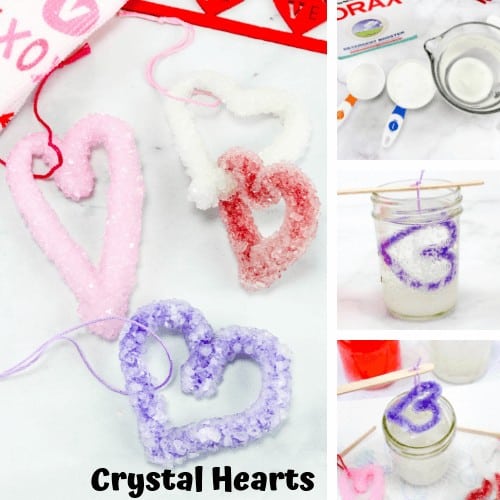
- Grow Crystal Hearts
- Water Displacement Experiment

Printable Valentine STEM Project Pack
Countdown to Valentine’s Day with science and STEM! Pack includes complete instructions, templates, and images for 20+ activities. Bonus: printable science Valentine’s Day cards!







21 Comments
Comments are closed.